31 secp256k1 in the panel
Level 3 · Bitcoiner. Bitcoin’s curve as the visualizer shows it: its parameters, what each row of Curve facts says, and why two remainders of p matter for key handling. Read first: 11 Start here and 15 Mirror images; Level 2 for the arithmetic.
The parameters
secp256k1 is y² = x³ + 7 over F_p (a = 0, b = 7) with
- p = 2²⁵⁶ − 2³² − 977 =
fffffffffffffffffffffffffffffffffffffffffffffffffffffffefffffc2f(decimal 115792089237316195423570985008687907853269984665640564039457584007908834671663); - G = (x, y) with x =
79be667ef9dcbbac55a06295ce870b07029bfcdb2dce28d959f2815b16f81798and y =483ada7726a3c4655da4fbfc0e1108a8fd17b448a68554199c47d08ffb10d4b8; - n, the order of G, =
fffffffffffffffffffffffffffffffebaaedce6af48a03bbfd25e8cd0364141(decimal 115792089237316195423570985008687907852837564279074904382605163141518161494337), a prime; - h = 1: #E = n, so every point except 𝒪 is a multiple of G and has order n.
The trace t = p + 1 − n is 432420386565659656852420866390673177327, a 129-bit number well inside the Hasse bound |t| ≤ 2√p. The visualizer recognises the curve from (p, a, b), whichever way p is typed, and then uses the known n, h, β and λ instead of counting points.
Example 31.1 · The Curve facts of secp256k1
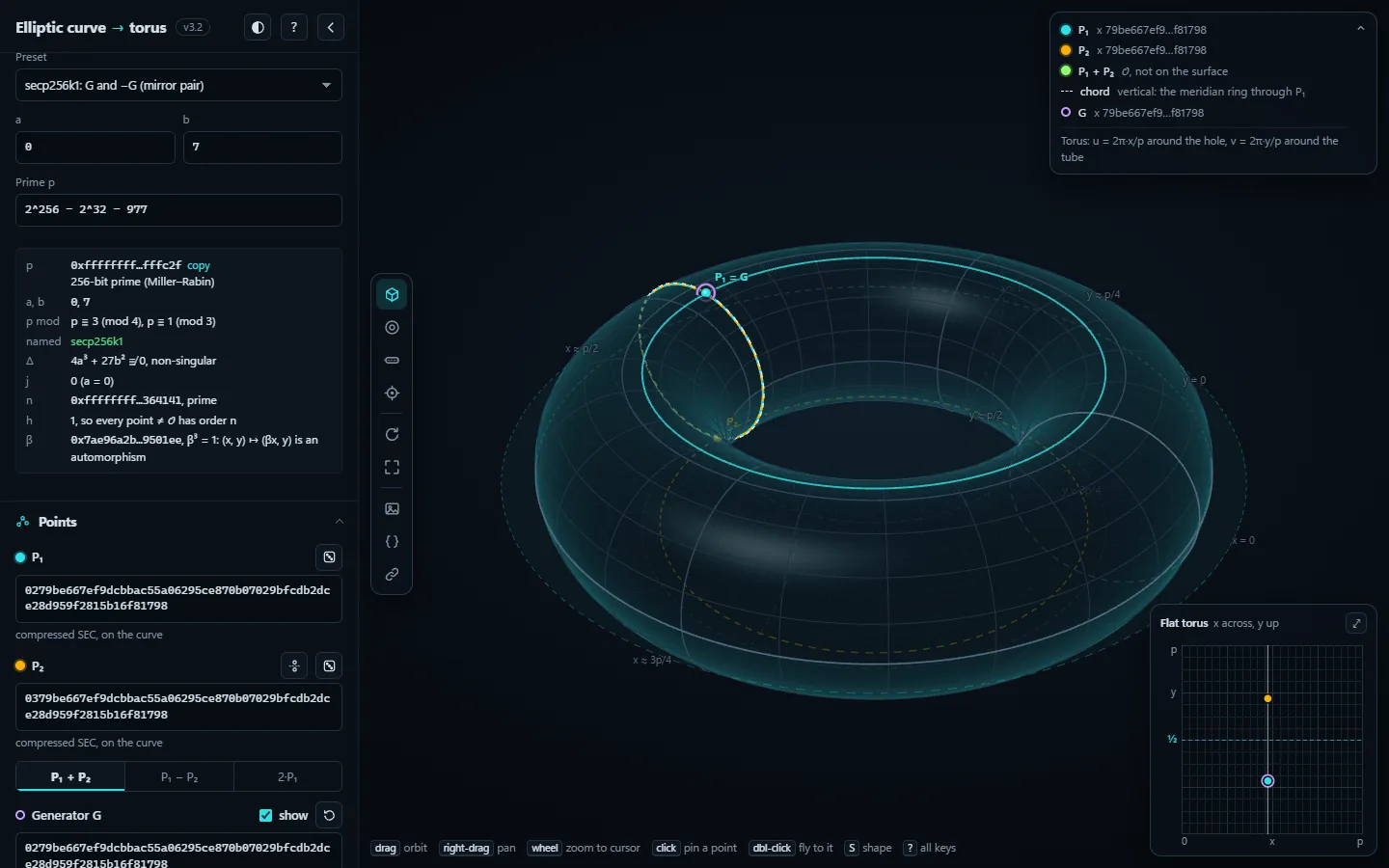
Open this view: secp256k1’s Curve facts
Do it yourself
- In Curve, pick the preset secp256k1: G and −G (mirror pair).
- Read the Curve section in the panel.
Look at each row:
- p: shortened to its ends, with the full value in the tooltip and behind the copy button, then “256-bit prime (Miller–Rabin)”: primality is tested with 13 fixed bases, which is deterministic only below 3.3 × 10²⁴, hence the label;
- a, b: 0, 7;
- p mod: p ≡ 3 (mod 4), p ≡ 1 (mod 3) (see below);
- named: secp256k1, Δ: non-singular, j: 0 (a = 0);
- n and h: the subgroup order (full value in the tooltip) and “1, so every point ≠ 𝒪 has order n”;
- β: a nontrivial cube root of unity mod p and the automorphism (x, y) ↦ (βx, y) (35 GLV).
Why p mod 4 matters. Decompressing a 02/03 key needs a square root mod p. For p ≡ 3 (mod 4) it is one
exponentiation: y = (x³ + 7)^((p+1)/4) mod p, then pick y or p − y by the prefix’s parity. For G:
x³ + 7 ≡ 4866d6a5ab41ab2c6bcc57ccd3735da5f16f80a548e5e20a44e4e9b8118c26f2, and raising it to (p + 1)/4 = 3fffffffffffffffffffffffffffffffffffffffffffffffffffffffbfffff0c gives
483ada7726a3c4655da4fbfc0e1108a8fd17b448a68554199c47d08ffb10d4b8, which is G’s y. Primes ≡ 1 (mod 4) need the slower Tonelli–Shanks loop; the visualizer has both.
Why p mod 3 matters. p ≡ 1 (mod 3) means F_p contains the cube roots of unity, so with a = 0 the map
(x, y) ↦ (βx, y) is an automorphism of the curve. On the group it acts as multiplication by
λ = 5363ad4cc05c30e0a5261c028812645a122e22ea20816678df02967c1b23bd72 (mod n), with
β = 7ae96a2b657c07106e64479eac3434e99cf0497512f58995c1396c28719501ee. That is the GLV endomorphism libsecp256k1 uses to speed up multiplication.
Example 31.2 · G in full, in the Inspector
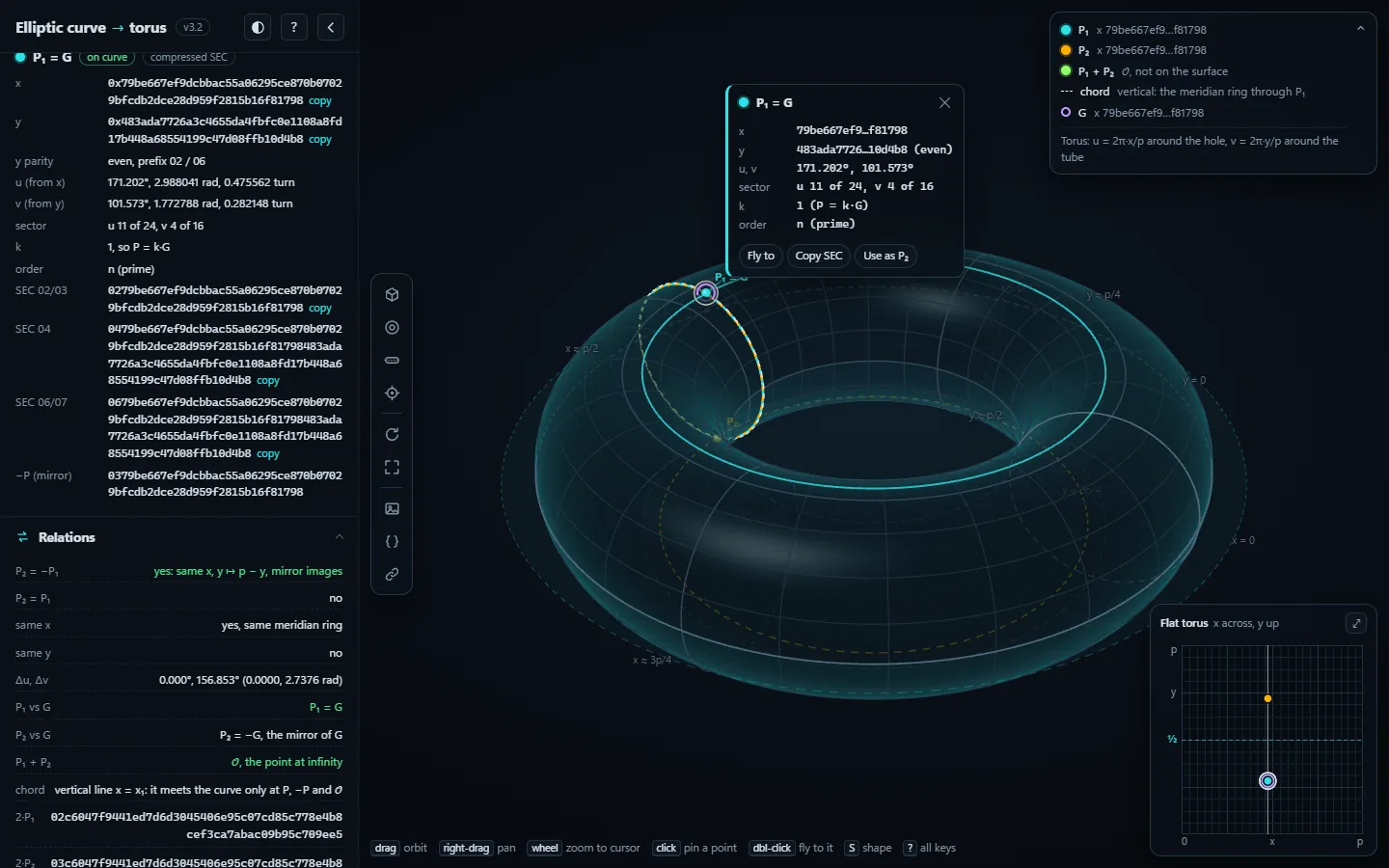
Open this view: G in the Inspector
Do it yourself
- In Curve, pick the preset secp256k1: G and −G (mirror pair).
- In the 3D view, click P₁ to pin its card.
- Read the Inspector section in the panel.
Look at: x and y as full 32-byte hex with copy buttons, “even, prefix 02 / 06”, k = 1, order “n (prime)”, and every SEC encoding. The cards shorten x and y to their first ten and last six hex digits; the Inspector never shortens.
Example 31.3 · p typed three ways
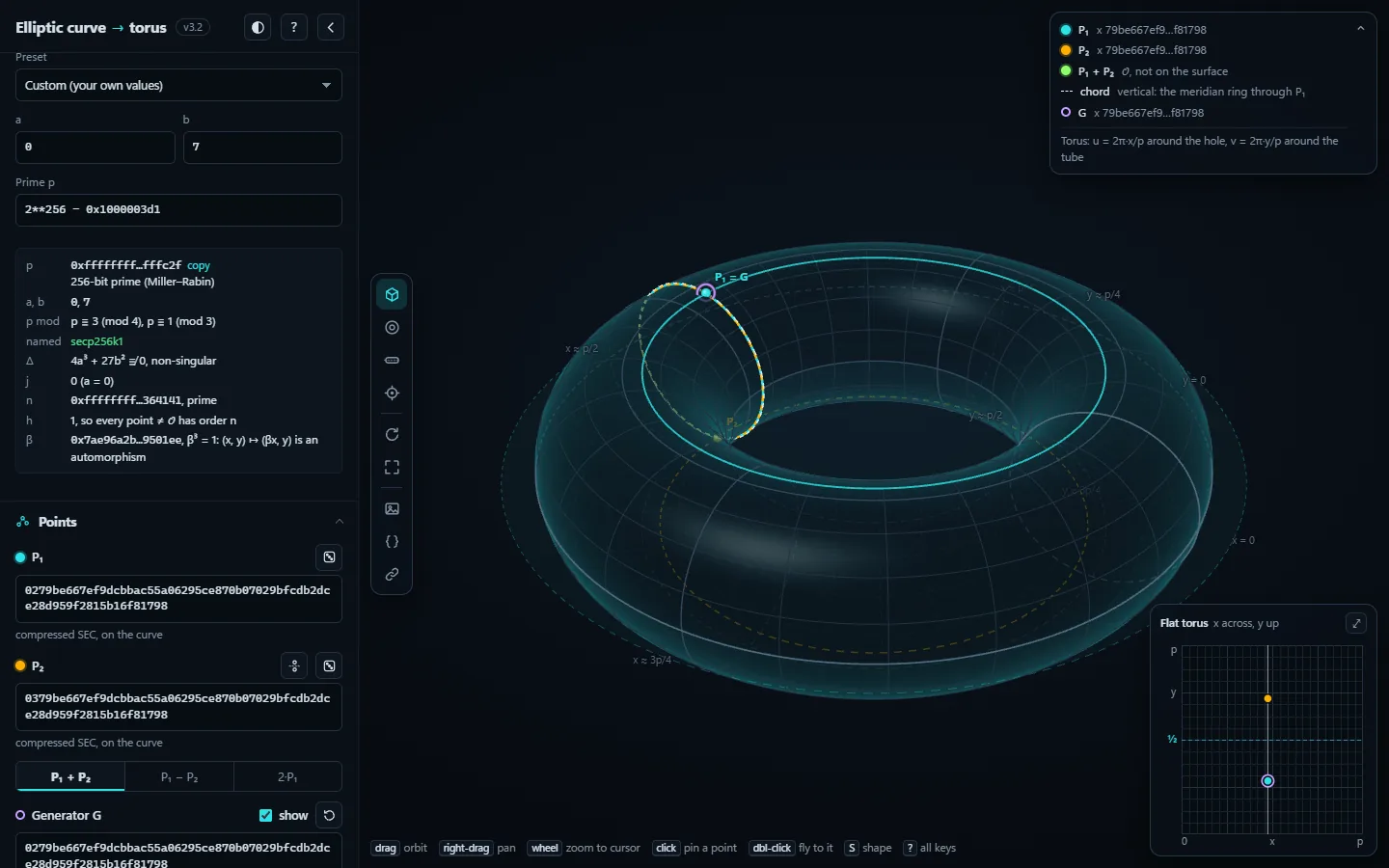
Open this view: p = 2**256 − 0x1000003d1
| p typed as | Curve facts | open |
|---|---|---|
2^256 - 2^32 - 977 |
named secp256k1 | open |
2**256 - 0x1000003d1 |
named secp256k1 | open |
0xfffffffffffffffffffffffffffffffffffffffffffffffffffffffefffffc2f |
named secp256k1 | open |
Do it yourself
- In Curve, pick the preset secp256k1: G and −G (mirror pair).
- Type
2**256 - 0x1000003d1in Prime p. - Read the Curve section in the panel.
Look at: the named row stays “secp256k1” for every spelling in the table. Fields accept integer expressions
(+ - * / % ^ **, brackets, hex 0x, binary 0b, octal 0o, _ separators); ^ is a power, not XOR. The
evaluated p is what the facts show and what the copy button copies.
Try it yourself
- Change b to 5: the curve is no longer named, n and β disappear from the facts, and #E is “not counted (p above 2²²)”.
- Type
(n-1)Ginto P₁ and read P₁ vs G in Relations (32 explains it). - Hover the n row of the facts to see its full value in the tooltip.
Recap
- secp256k1: a = 0, b = 7, p = 2²⁵⁶ − 2³² − 977, prime order n, cofactor 1.
- p ≡ 3 (mod 4) makes decompression one exponentiation; p ≡ 1 (mod 3) gives β and the GLV endomorphism.
- The panel shortens long values but keeps them whole in tooltips, copy buttons and the Inspector.
Next: 32 Private key → public key.